
How to Charge for Telegram Group Access
Maya Ellison
Content Lead, HopMembers
Last updated: 23 July 2026 · 5 min read
Table of contents
- Introduction: Monetize Your Telegram Group
- Prerequisites
- Step 1: Create a Membership Page
- Step 2: Connect Your Telegram Group
- Step 3: Set Pricing and Payment Options
- Step 4: Invite Members to Join
- Step 5: Automate Access Management
- Verification: Ensure Everything Works
- Next Steps
- FAQ
- Putting how to charge for telegram group access into practice
- Key facts

how to charge for telegram group access is a practical priority for creators monetizing communities — this guide breaks down what works.
Introduction: Monetize Your Telegram Group
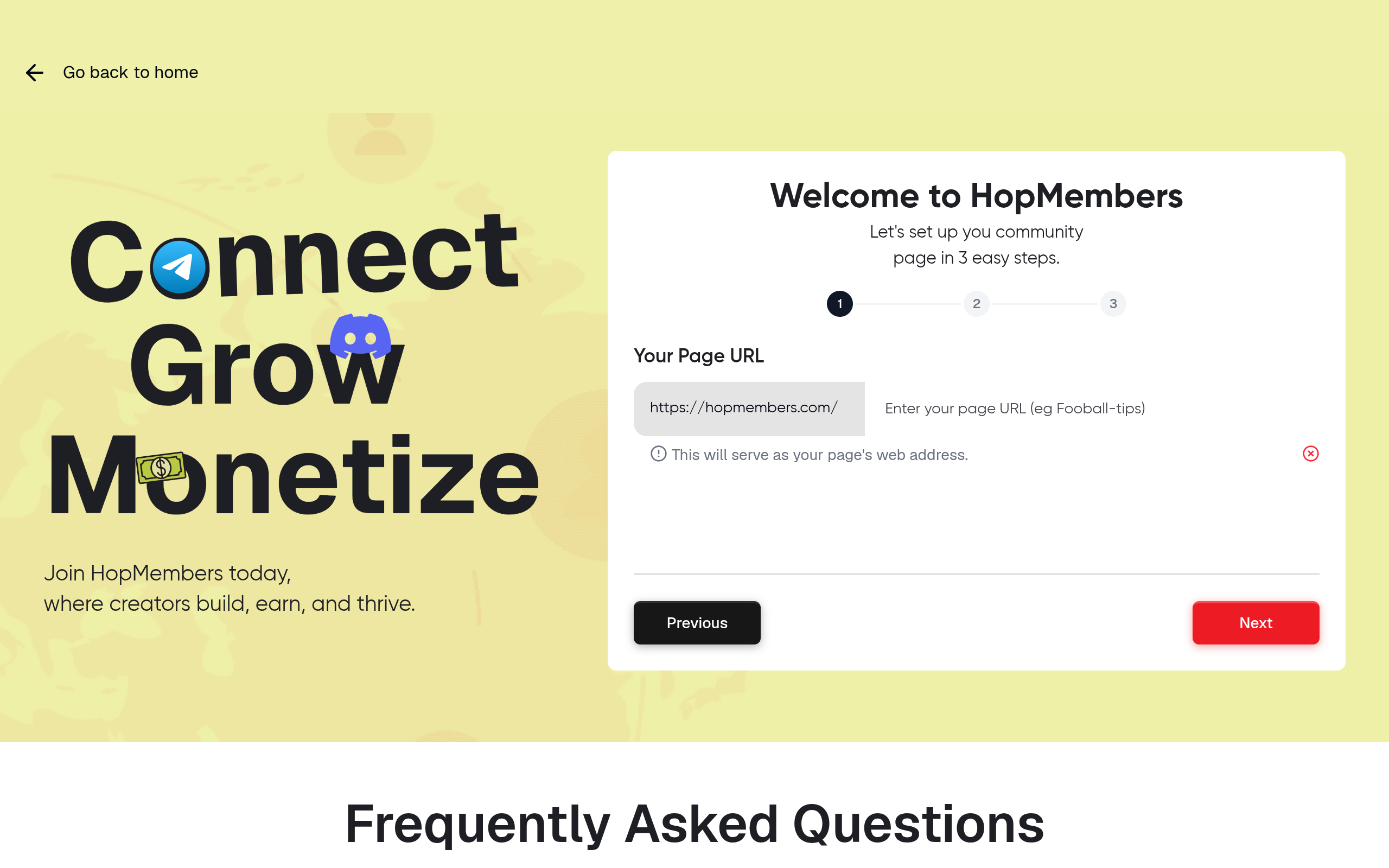
Creators and community owners are increasingly looking to monetize their private groups on platforms like Telegram. Using HopMembers, you can charge for Telegram group access, automate membership management, and streamline payments. This guide will walk you through the process step-by-step.
Prerequisites
Create a Telegram Account and Group
Before you start, ensure you have a Telegram account and have created the group you wish to monetize. If you need assistance, refer to Telegram's official FAQ.
Set Up a HopMembers Account
Visit HopMembers and sign up for an account. This will be your platform for managing memberships and payments.
Connect a Payment Method
Ensure you have a payment method set up in your HopMembers account to receive payments from your members. This can be done through the 'Wallet' section in your dashboard.
Step 1: Create a Membership Page

Log in to your HopMembers account and navigate to the 'Membership Pages' section. Click 'Create Page' to set up a new membership page for your Telegram group.
- Enter a descriptive title for your membership page.
- Add a compelling description explaining the benefits of joining your group.
- Set the access price for your group.
Step 2: Connect Your Telegram Group
In the 'Membership Pages' section, find the option to 'Connect Channel'. Select Telegram and enter your group details. This will link your group to HopMembers, allowing automated access management.
Step 3: Set Pricing and Payment Options
In the membership page settings, set the price you wish to charge for access to your Telegram group. Ensure your payment method is correctly configured in the 'Wallet' section.
- Choose between a one-time payment or a recurring subscription.
- Review your pricing strategy to ensure it aligns with your community's value.
Step 4: Invite Members to Join
Once your membership page is live, invite potential members to join. Share the link to your membership page with your audience through social media, newsletters, or direct messages.
Step 5: Automate Access Management
HopMembers automates the process of granting and revoking access based on membership status. Ensure your Telegram group is correctly configured in the 'Members' section to manage access automatically.
Verification: Ensure Everything Works
After setting up, test the process by signing up for your membership page as a user. Verify that payments are processed correctly and access to the Telegram group is granted automatically.
Common Mistakes and Troubleshooting
- Ensure your Telegram group is set to public if access issues occur.
- Check that your payment method is active and correctly linked.
- Review your membership page settings for any errors.
Next Steps
Once your Telegram group is successfully monetized, consider expanding your offerings by creating additional membership tiers or exclusive content. For more advanced strategies, visit our blog for tips and ideas.
FAQ
Can I charge different prices for different Telegram groups?
Yes, you can create separate membership pages for each group with distinct pricing and benefits.
How do I handle refunds?
Refunds can be managed through your payment provider. Ensure your refund policy is clear on your membership page.
What happens if a payment fails?
HopMembers will automatically attempt to process the payment again. If it fails, access to the group will be revoked until payment is successful.
Can I offer a free trial?
Yes, you can set up a free trial period in the pricing settings of your membership page.
How do I promote my membership page?
Use social media, email newsletters, and collaborations with other creators to promote your membership page.
Ready to get started? Visit HopMembers to begin monetizing your Telegram group today.
Explore more on the HopMembers blog, or get started building paid Telegram and Discord memberships with automated access.
When you operationalize how to charge for telegram group access, document every access rule in plain language. Members should know exactly what they get, when billing occurs, and how to get help. Clarity reduces support load and increases willingness to pay.
Use onboarding messages that confirm access within minutes of payment. Silence after checkout is one of the fastest ways to trigger refunds. A short welcome sequence with links to pinned resources sets expectations and builds momentum.
Distribution matters as much as product quality. Recycle wins from your private community into public SEO articles, short social clips, and email digests. Each channel should point back to a single membership offer so attribution stays clean.
Keep a simple CRM note for high-intent prospects who asked about pricing but did not convert. A polite follow-up with a case study or limited bonus often closes the gap without discounting your core offer.
Compliance and trust signals protect long-term revenue. Display refund terms, avoid misleading scarcity, and keep payment descriptors recognizable on bank statements. Creators who treat memberships like a real product — with policies and support — outperform those who improvise.
Finally, schedule a monthly review: pricing, content cadence, churn reasons, and competitor moves. Small weekly improvements compound faster than rare big relaunches.
Putting how to charge for telegram group access into practice
Translate strategy into a weekly operating rhythm: publish one member-only update, reply to support threads within a day, and review failed payments every Monday. Consistency beats one-off launches.
Document your offer in one page: who it is for, what access includes, price, renewal terms, and how to cancel. Share that page in onboarding so expectations stay aligned as you grow.
As volume increases, batch admin work — payouts, access audits, and content scheduling — into fixed windows so creative work is not constantly interrupted.
Key facts
- Telegram groups can be monetized by charging members for access.
- HopMembers provides tools for automating payments and member management.
- Setting up a paid Telegram group can increase engagement and commitment from members.
- Offering exclusive content or perks can justify the cost of membership.
- The process of charging for access can be simplified with the right platform.
HopMembers is a platform designed to help creators monetize their communities, offering tools for payment automation and member management.


